Power AMS
PlatformOverviewEvent ManagementEvent AppRegistrationMembershipCE CreditsProject ManagementCommunications

Track every moving part.

Projects scoped to events. Tasks assigned to staff. Timesheets that roll up to the event P&L. Role-based access so each person sees exactly their slice — all in the same app as the events your team is running. One workspace, not seven.

Projects & Tasks

Track every moving part.

Projects scoped to events. Tasks assigned to staff. Due dates that show up in the same calendar as the events themselves. No more "wait, was that in Asana or Trello?"
Project per eventTemplates for recurring conferences. Every task gets a default owner.
Task assignmentsAssigned, due, blocked, done. Comments inline. Mentions notify.
Calendar viewTasks and events on the same calendar. The deadline before the event and the event are visible together.
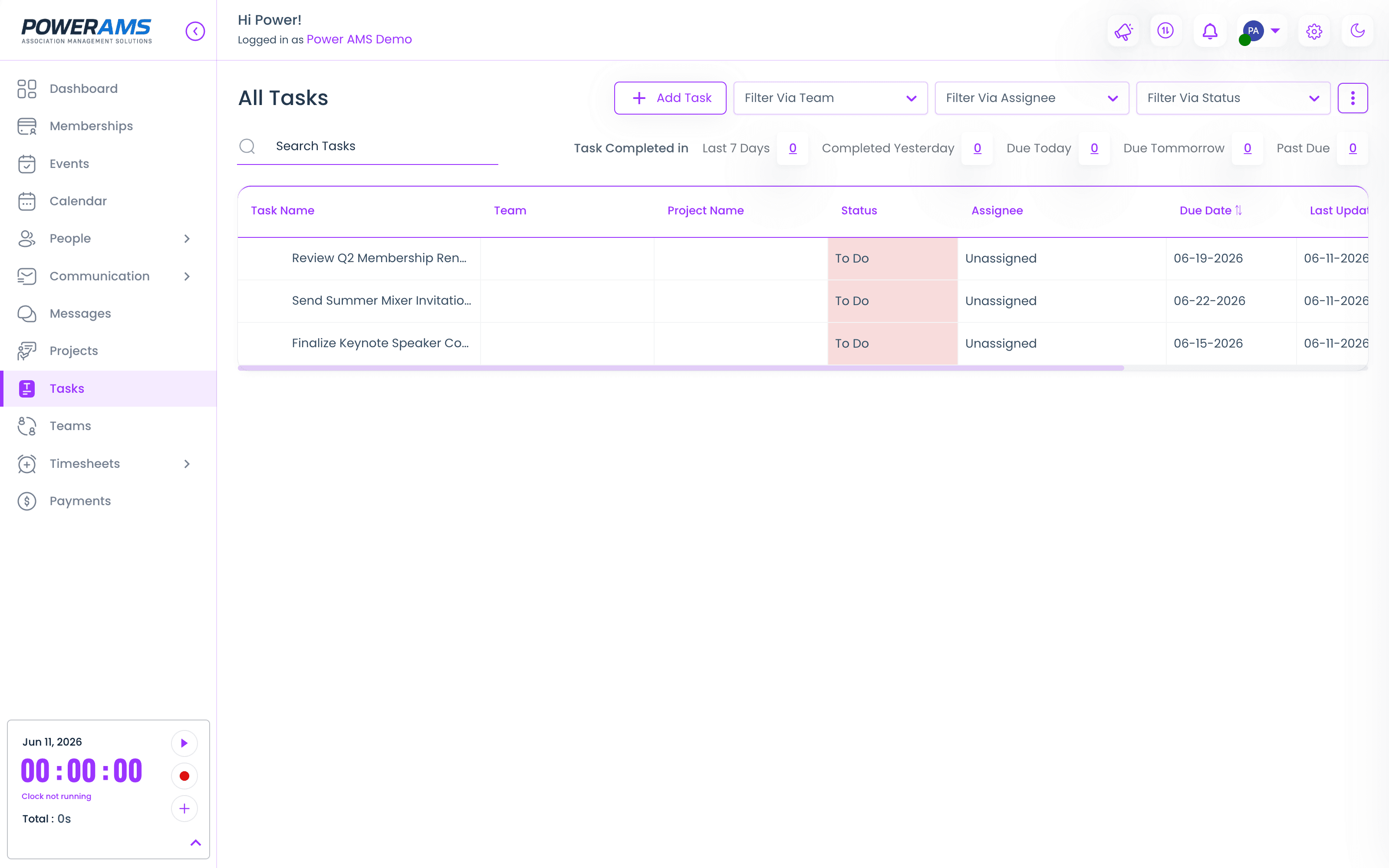
app.powerams.com / tasks
The PowerAMS task list — team tasks with status, assignee, due dates, and completion filters
Timesheets

Hours tracked where the work happens.

Staff log time against projects and events. Billable / non-billable categorization. Per-event labor cost rolls up to the event P&L without leaving the app.
Per-event timeHours rolled up against the event for true cost-to-run reporting.
Billable / non-billableTagged at entry. Per-staff or per-project defaults.
ApprovalsSubmit weekly. Manager approves. Exports to your payroll process.
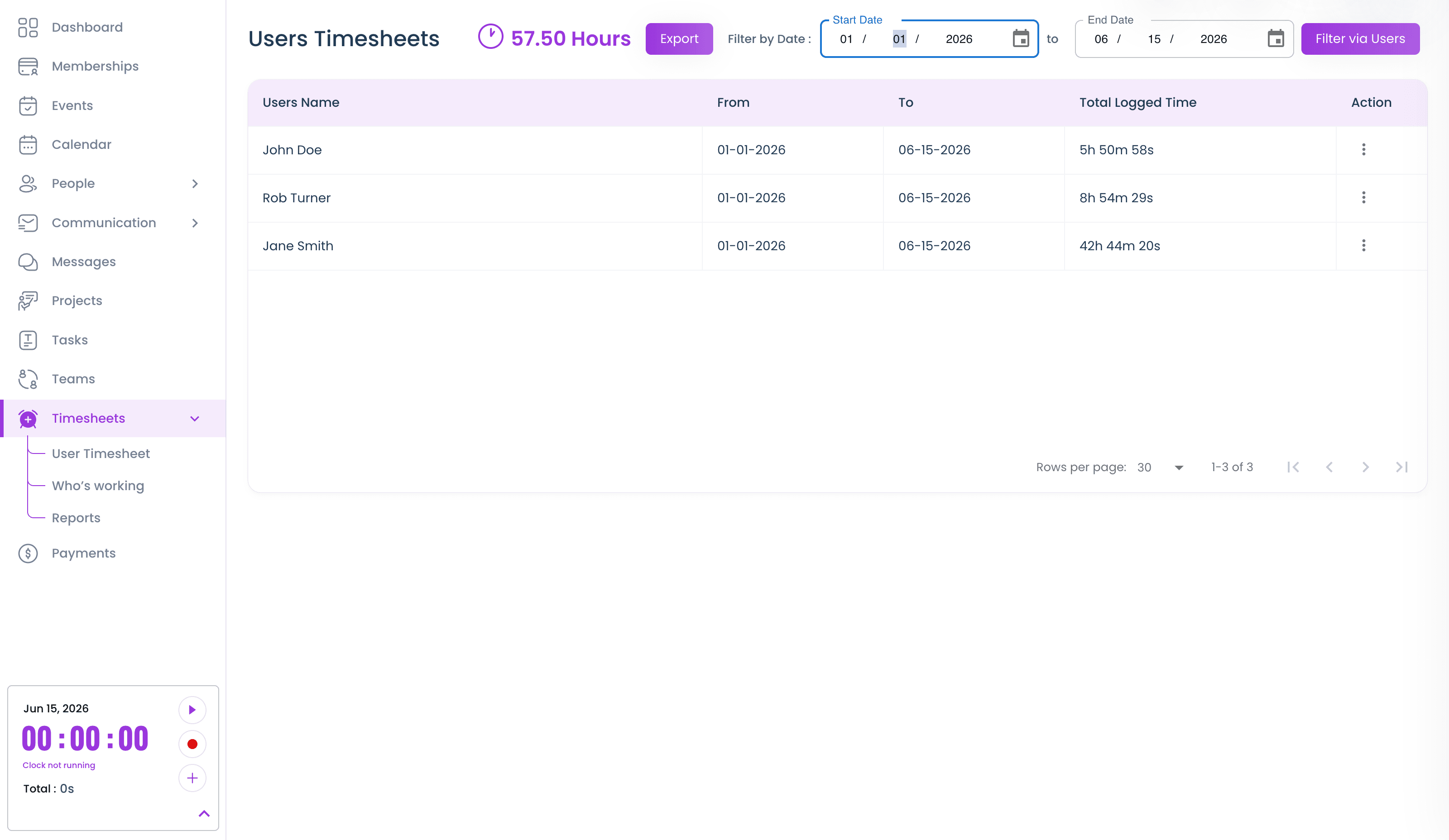
app.powerams.com / timesheets
User timesheets in PowerAMS — total hours and per-person logged time over a date range, with export
Staff & Access

Role-based, scoped right.

Invite staff with role-based access. Event managers see their events. Membership coordinators see members and renewals. Finance sees payments. Admins see everything. No more "give me your login."
Pre-built rolesAdmin, Event Manager, Membership Coordinator, Finance, Read-only.
Per-event scopeRestrict event managers to specific events. Useful for contractors and committee chairs.
Audit logWho changed what, when. Available to admins.
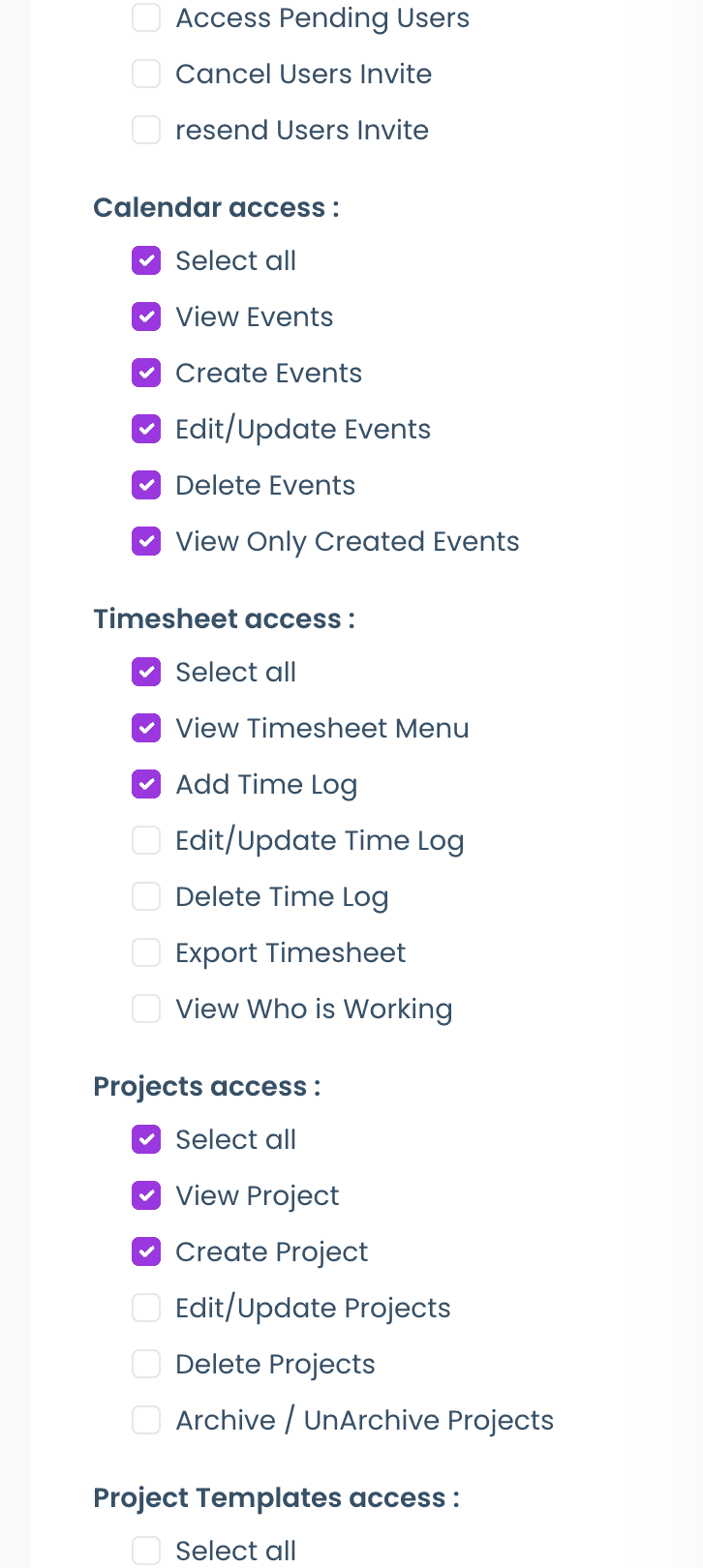
app.powerams.com / settings / users
Per-user permissions in PowerAMS — granular access toggles for calendar, timesheets, projects, and more
See the back office

Bring your team
into one place.

30-minute walkthrough. We'll show you projects, tasks, timesheets, and role-based access — on real data.

PROJECTS